MaxInvoice – The Invoice Creation and Management Software
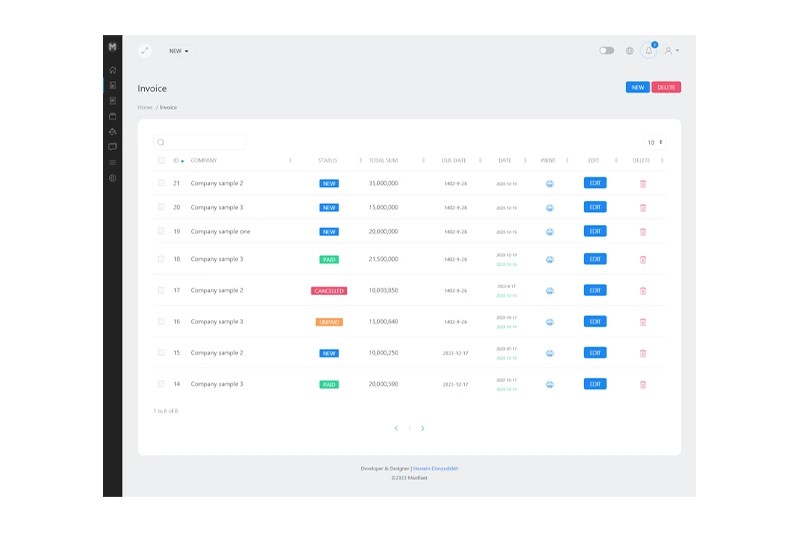
MaxInvoice is a powerful software solution for creating and managing invoices. It supports both online and offline invoicing methods, giving you complete flexibility. Create your invoice, send it digitally, and receive payments online — or print it and deliver it directly to your customers. MaxInvoice also introduces an innovative way to send invoices. Each invoice generates a unique and secure URL that can be shared via email, messenger, or live chat. Customers can view the invoice instantly without needing to log in, and they can complete the payment directly through the same secure link — making the entire process faster, simpler, and more convenient.
Unlimited Invoices
The possibility of creating infinite invoices for infinite customers.
Unlimited Company
The possibility of creating an infinite customer or invoice receiving company.
Unlimited Products or Services
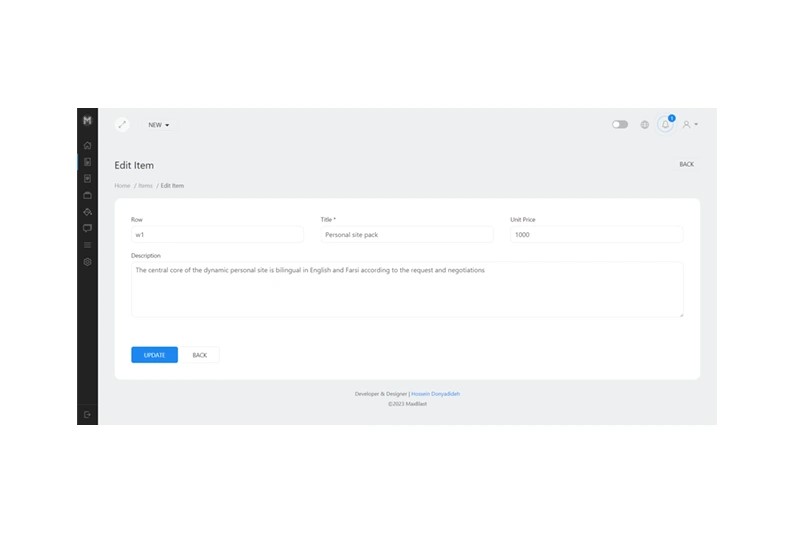
Ability to create infinite predefined products or services for use in invoices.
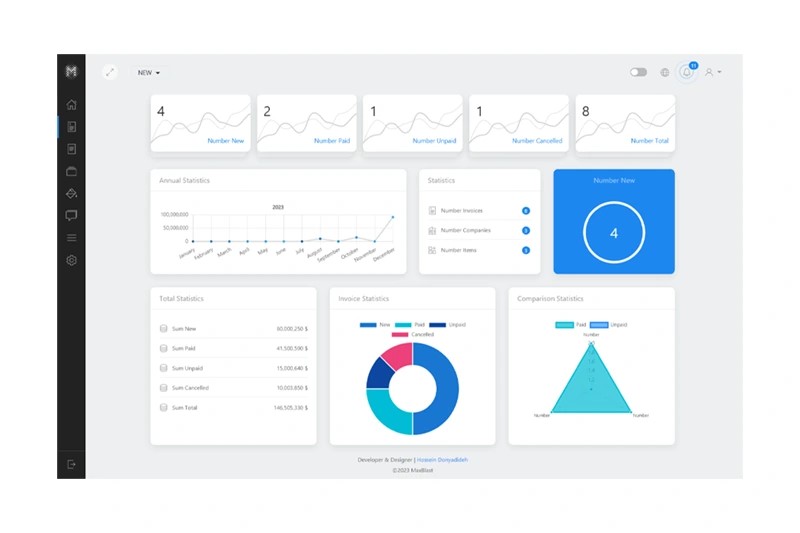
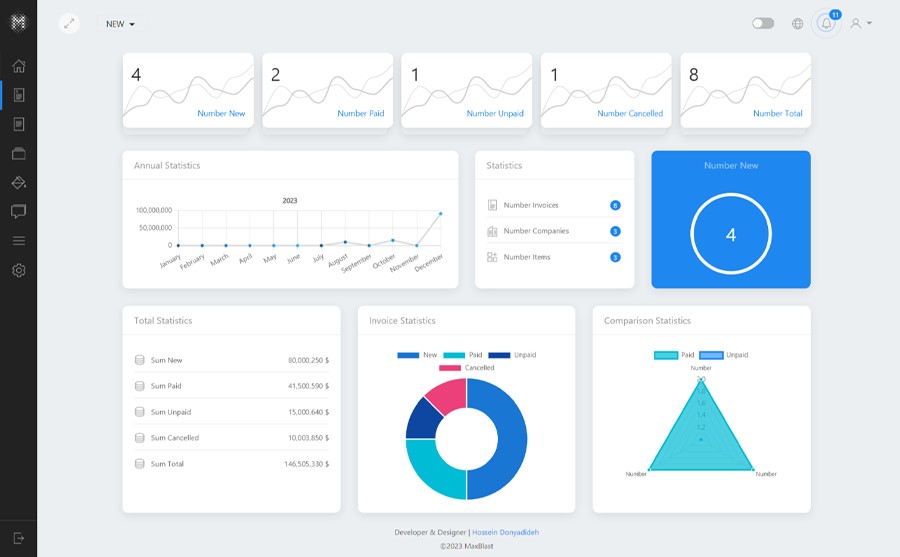
Reports and statistics of invoices
Display invoices report separately for each month, invoice status and sum and number of each status.
1/04
2/04
Features Available in MaxInvoice
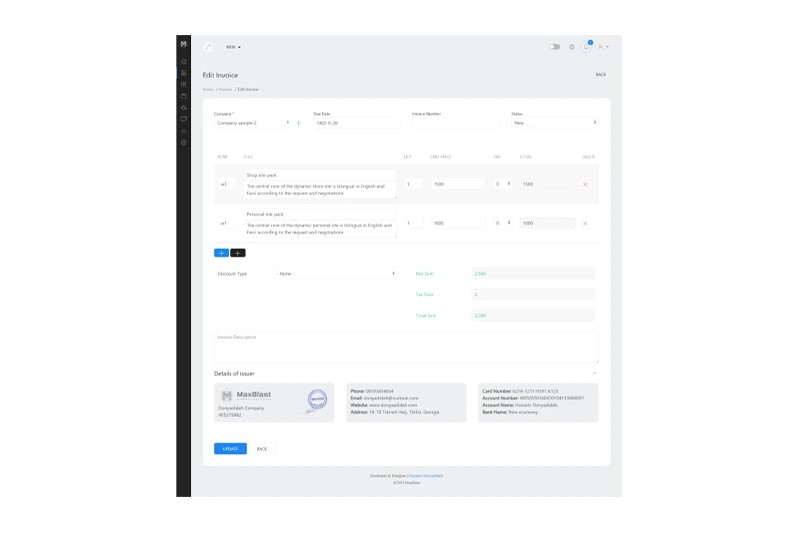
Create an invoice on one page
Create an invoice on a very simple page with instant calculation of items
Use different tax rates
The possibility of using the tax rate for each item completely separately
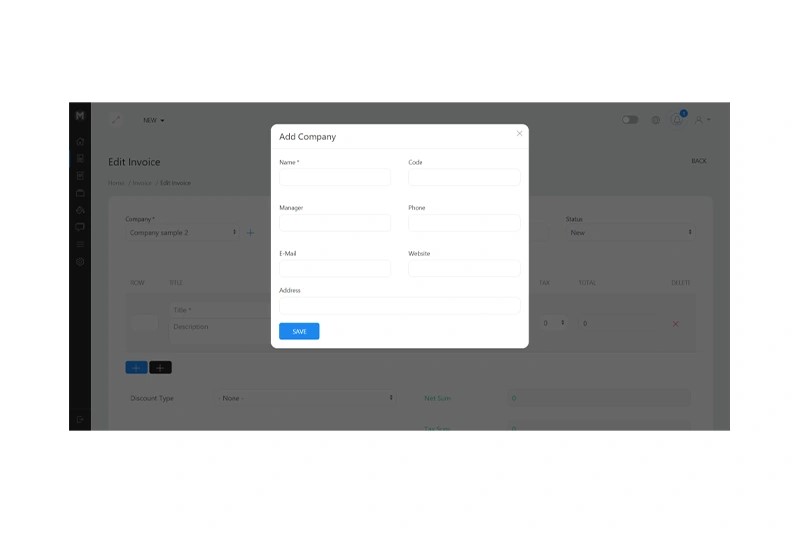
Create a company on the invoice page
Easily add a new company on the same invoice creation page
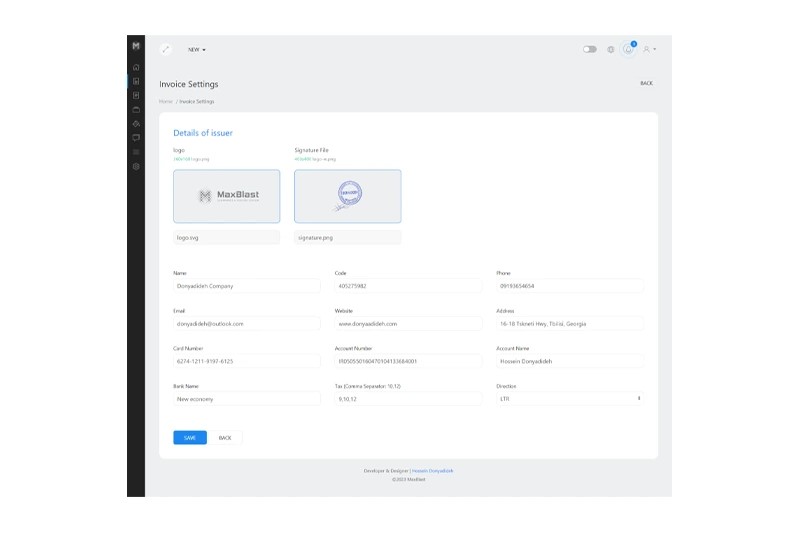
Details of the invoice issuer
Display the profile of the invoice issuer on the invoice creation page
Fixed discount and percentage
The possibility of using a fixed or percentage discount on each invoice
Online Payment gateways
Get paid faster with Online Payment gateways
Print / PDF
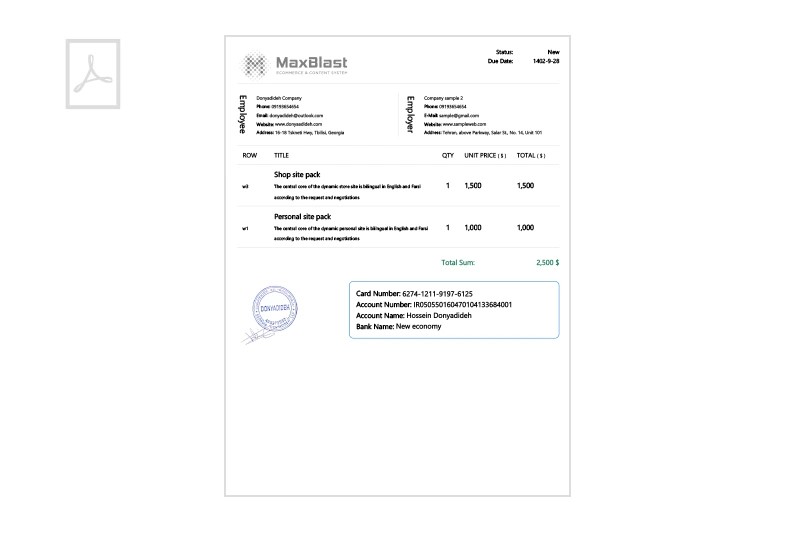
Link to generate printable version of Invoice and download as PDF
Customizable layout
Ability to customize invoice layout design
Add notes
Add notes, payment terms in invoice
Company logo and seal
The possibility of using the company's logo and seal in invoices automatically
Bank account details
The possibility of inserting bank account details at the bottom of the invoices
LTR and RTL
Create invoices with left-to-right and right-to-left languages
Languages
The possibility of delivering the program to the employer in any desired language
SCROLL TO EXPLORE
SCROLL TO EXPLORE
Views of the MaxInvoice
3/04
4/04
Responsive & Retina Ready
Everything is fully responsive and works perfectly on every device.
Fast Loading
Very fast loading speed, with minimum consumption of server hardware.
Customization Style
The possibility of customizing the invoice design output with any desired style.